Deleting an Invoice
Follow
Best Suited for:
- Back Office administrators
- Accounting and billing teams
Important Information:
- An invoice can only be deleted if no payments have been received toward it
- Deleting an invoice is the first step if you need to remove an entire workflow thread
- Once the invoice is deleted it will be permanently deleted
- There is not a way to restore a deleted invoice
Strategic Workflow:
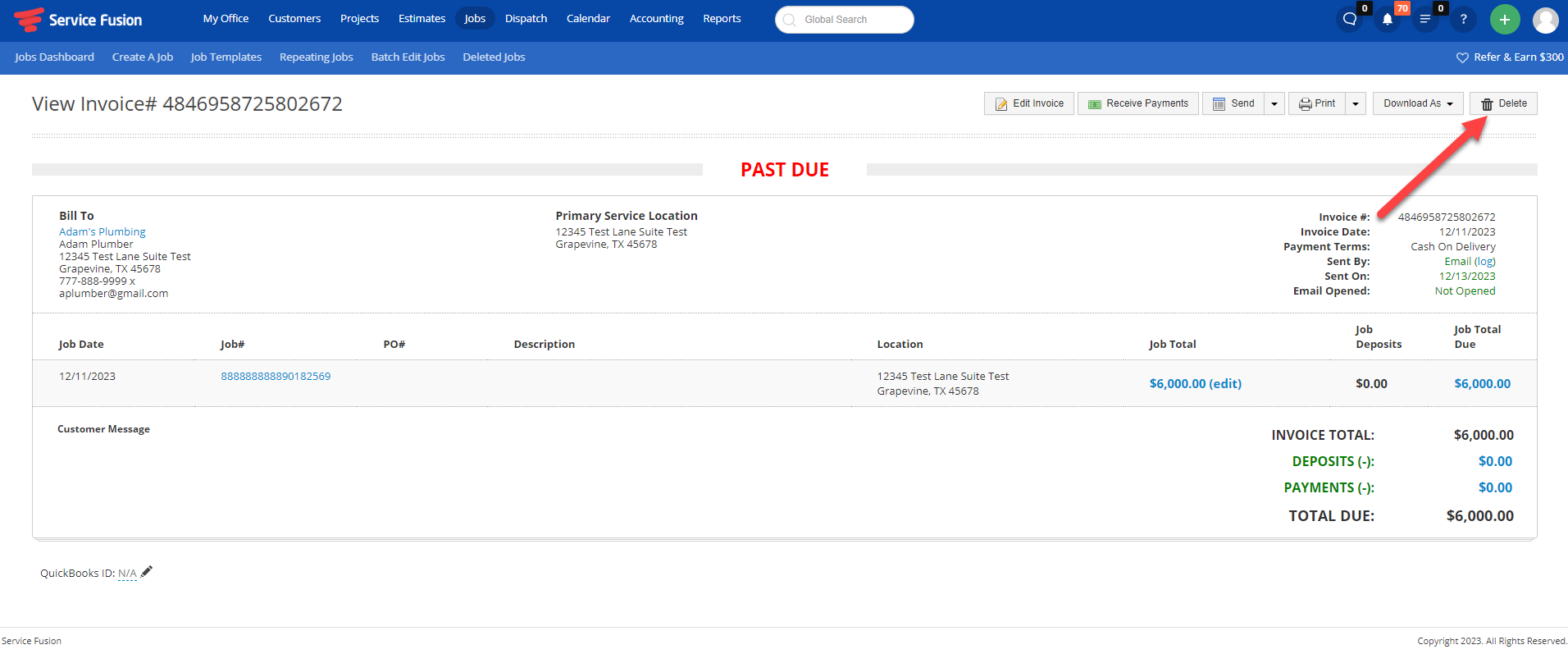
- Navigate to the View Invoice screen
- Confirm there are no payments applied
Step-by-Step Instruction:
- Go to Accounting > View Invoice
- View the invoice you want to delete
- Confirm there are no payments applied
- Click Delete in the top-right corner